The Smart Advisor and AI Chat
Balansi has two AI helpers that know your family budget, and they work differently: the smart financial advisor is a dashboard widget that generates insights and recommendations about your spending on its own, while the chat is a separate conversation window where you ask anything in real time. Here is how to use both, and what each plan includes.
- 1
Meet the smart financial advisor (the widget)
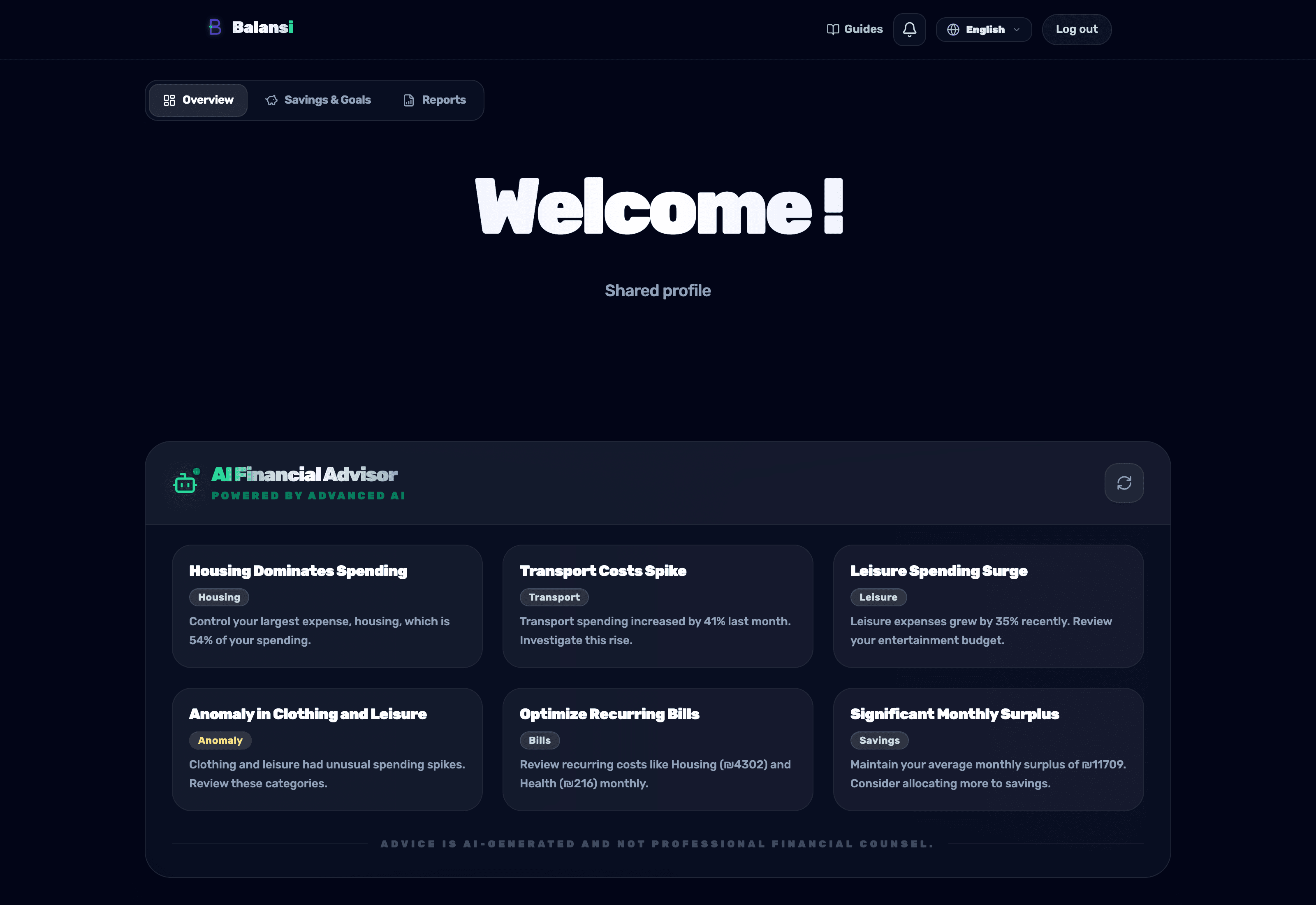
At the top of the dashboard you'll see the 'Smart financial advisor' widget — this is what the image shows. It scans your transactions on its own and shows insight and recommendation cards (for example 'rising health expenses'), with nothing to ask. Tap a card to open its full explanation, or the refresh button (the circle with the arrow in the widget's corner) to generate fresh insights.
- 2
Open the chat for real-time questions
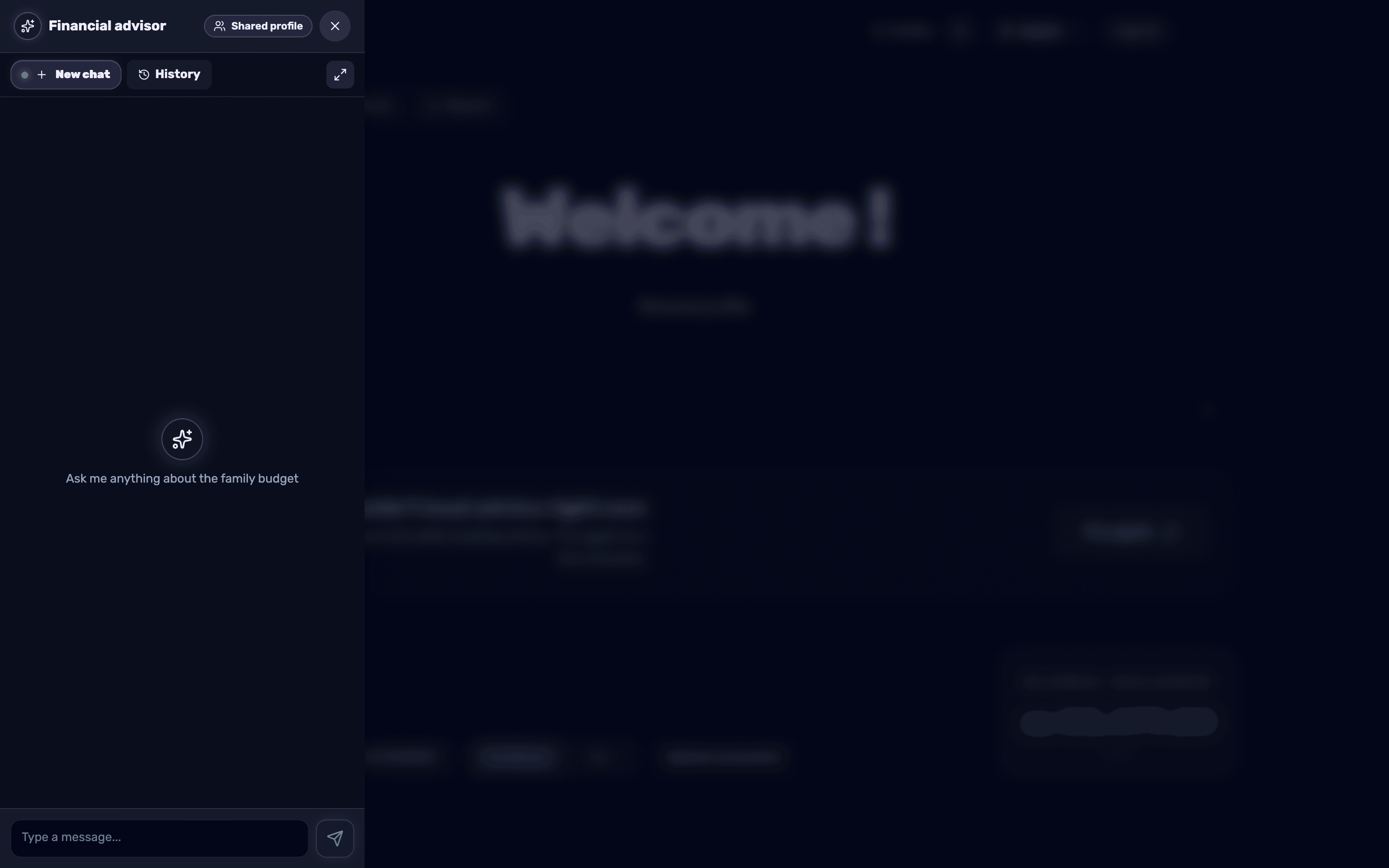
Unlike the dashboard widget (which produces insights on its own), the chat is a conversation window for your own questions. Tap the floating button with the sparkle icon in the bottom corner of the screen — a 'Financial advisor' panel opens (as in the image) where you type a message in the 'Type a message...' field and press 'Send'. You can also open it quickly with Alt+2.
- 3
Ask anything about your budget
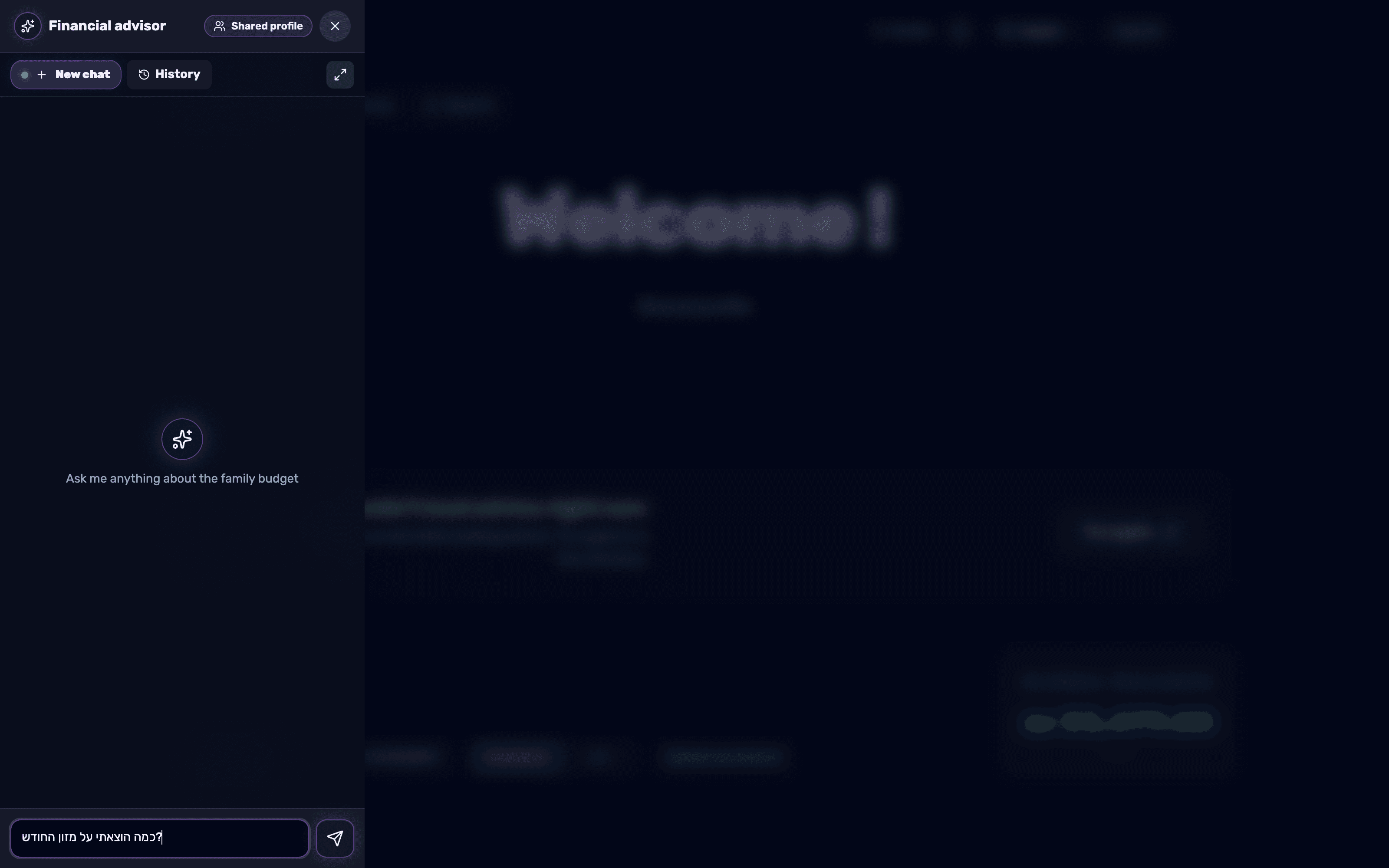
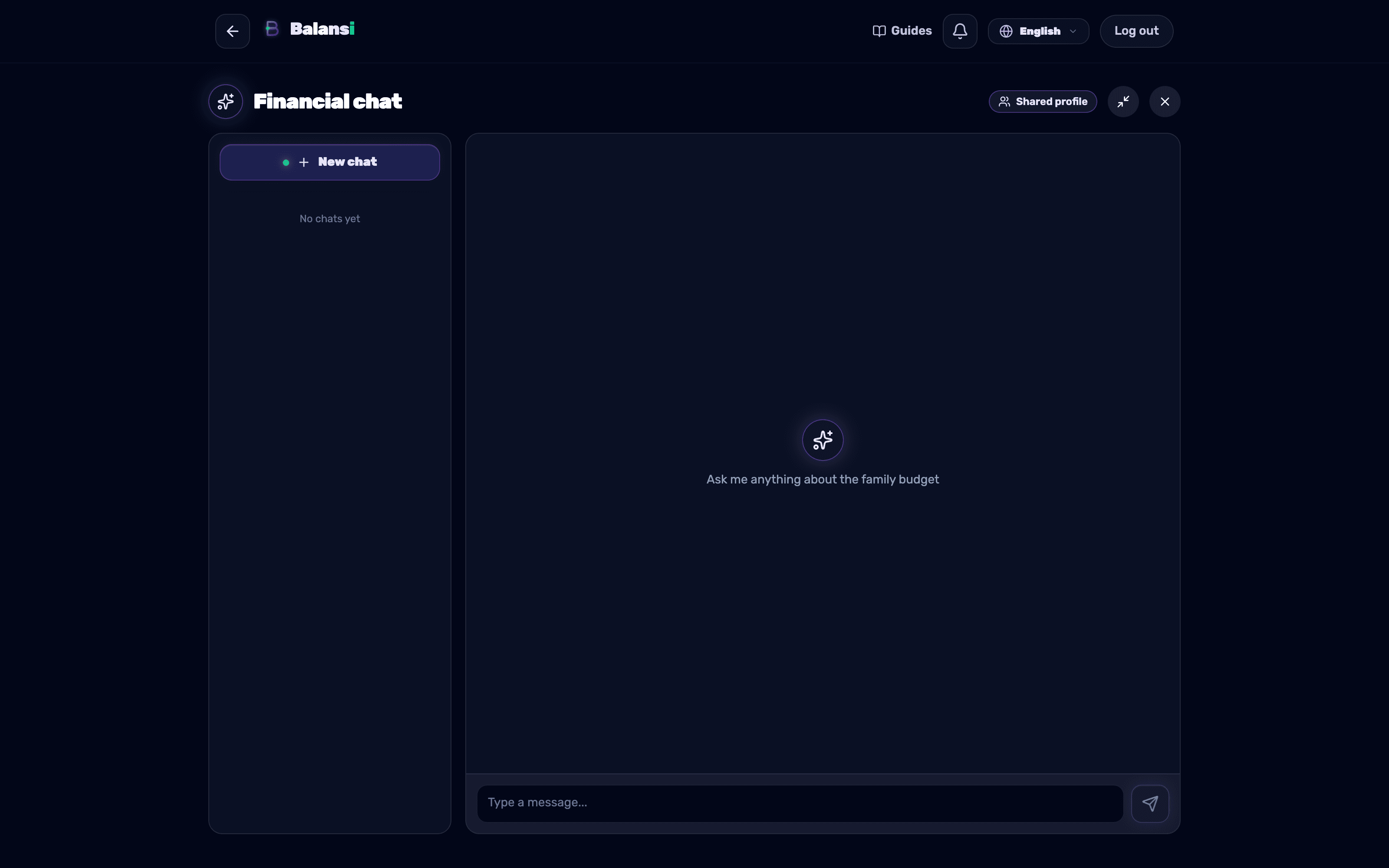
In an empty chat you will see the prompt 'Ask me anything about the family budget' — the chat knows your income, expenses and goals, so you can ask things like 'how much did I spend on groceries this month' or 'how am I doing on my savings goal'.
- 4
Switch between full screen and the panel
Tap 'Open in full screen' to view the conversation on the full 'Financial chat' page, or 'Minimize to panel' to return to the floating panel. 'Back to dashboard' closes the full chat screen and returns you to the dashboard.
- 5
Manage multiple conversations with history
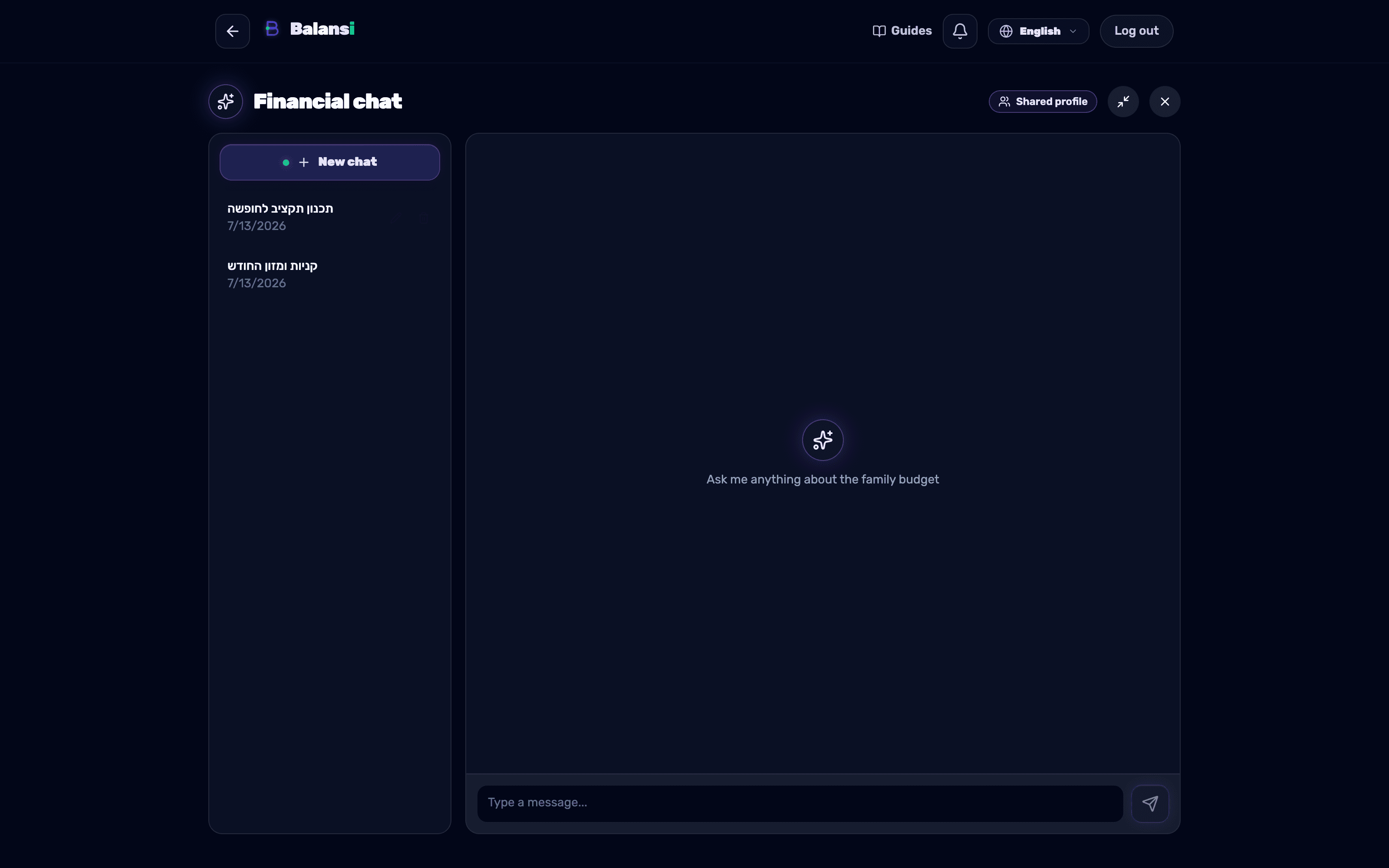
Tap 'New chat' to start a separate topic, and open 'History' to see past conversations. For any conversation you can tap 'Rename' to give it a clear title, or 'Delete' to remove it.
- 6
Complete the profile questionnaire for accurate advice
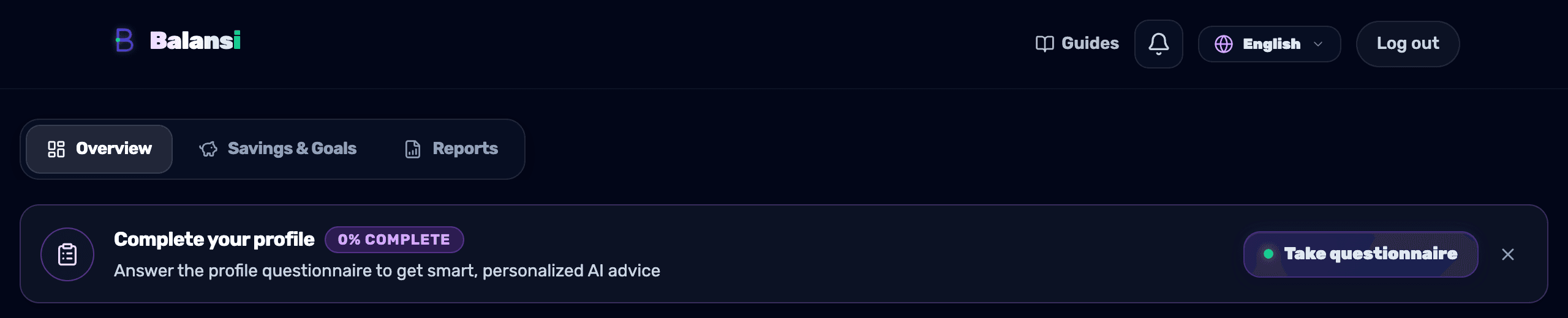
Until you complete the profile questionnaire, a 'Complete your profile' banner appears at the top of the dashboard with the note 'Answer the profile questionnaire to get smart, personalized AI advice', an 'X% complete' badge showing your own completion percentage, and a 'Take questionnaire' button. It is worth completing — your answers feed both the dashboard advisor and the chat, so both give sharper, more personal recommendations.
- 7
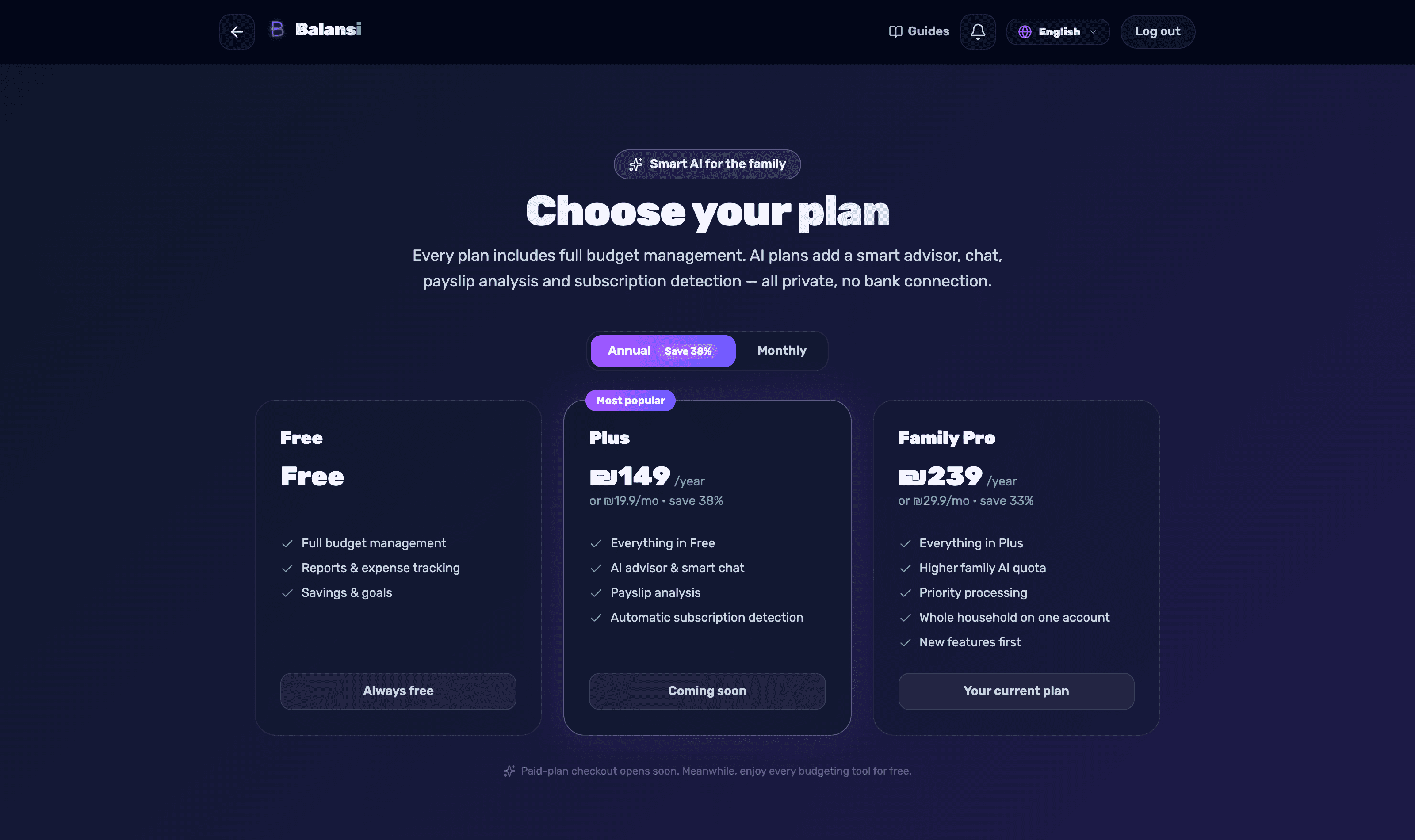
Know your trial days and plan options
During the trial period you will see a banner at the top saying 'X AI trial days left' with a 'View plans' button. On the 'Choose your plan' screen, the AI plans (Plus and Family Pro) include 'AI advisor and smart chat', 'Payslip analysis' and 'Automatic subscription detection', while the free plan only includes budget management, reports and savings, without the advisor.