Installing the App
You can install Balansi straight onto your phone's home screen, so it opens like a real app - full screen and with one tap - without hunting for it in the browser every time.
- 1
Find the install button
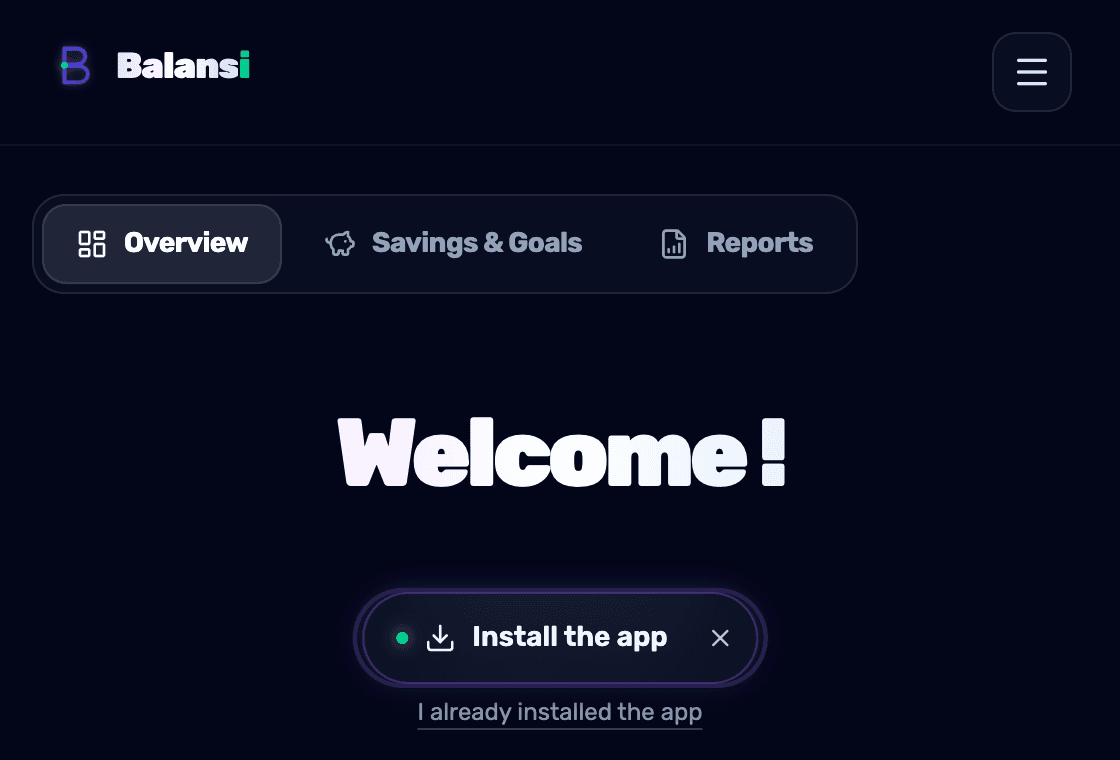
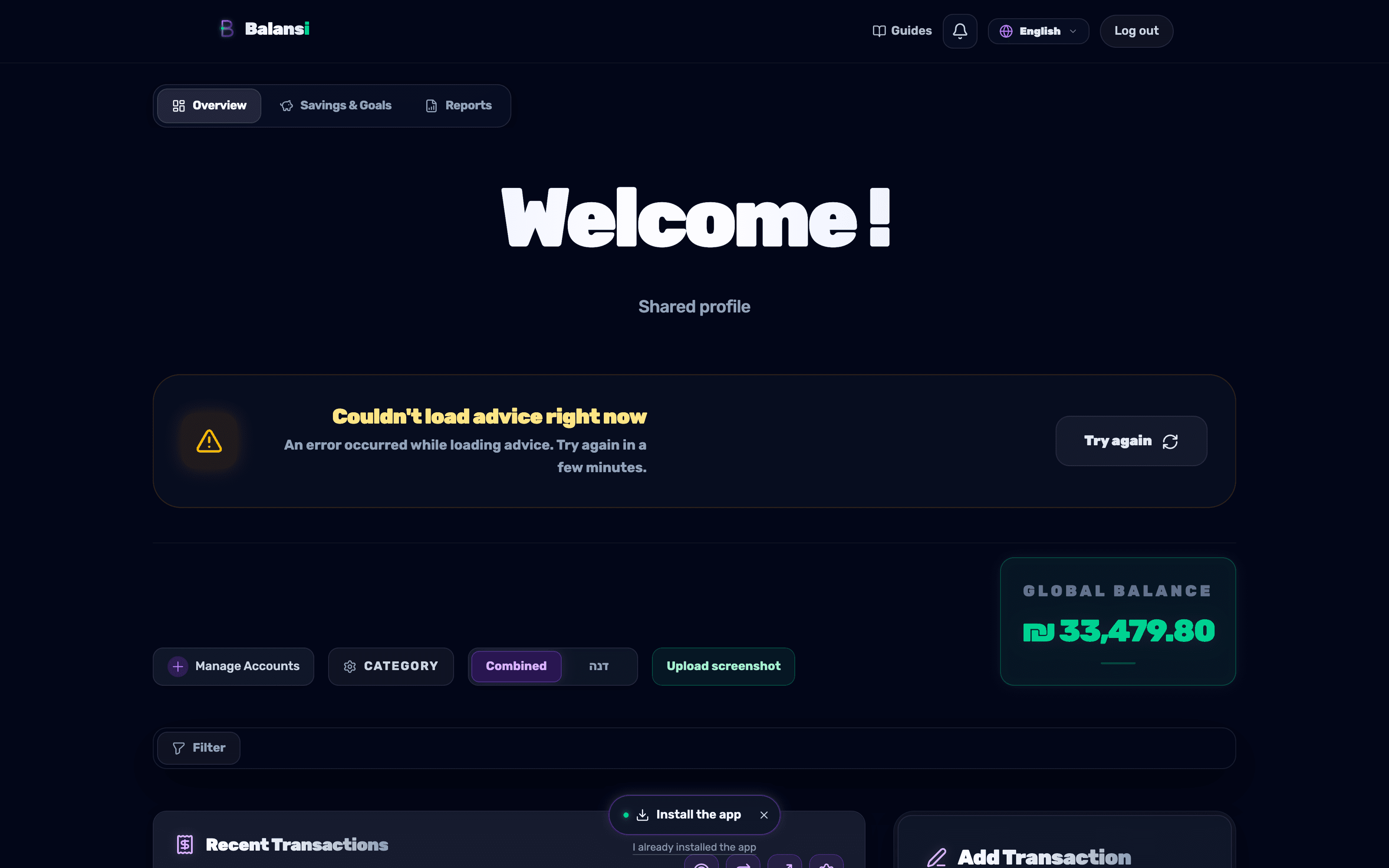
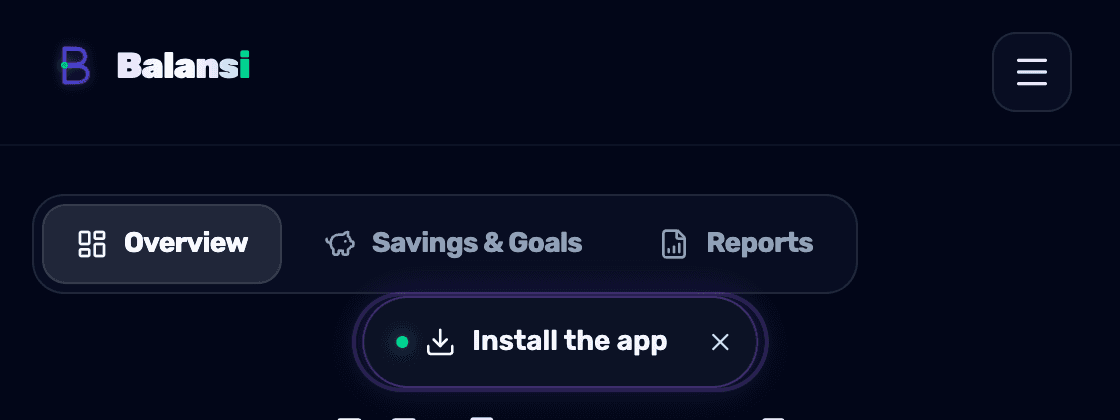
On most pages, a floating pill button labeled "Install App" with a download icon appears at the bottom of the screen. Tapping it opens the install screen matching your device.
- 2
Installing on Android (Chrome)
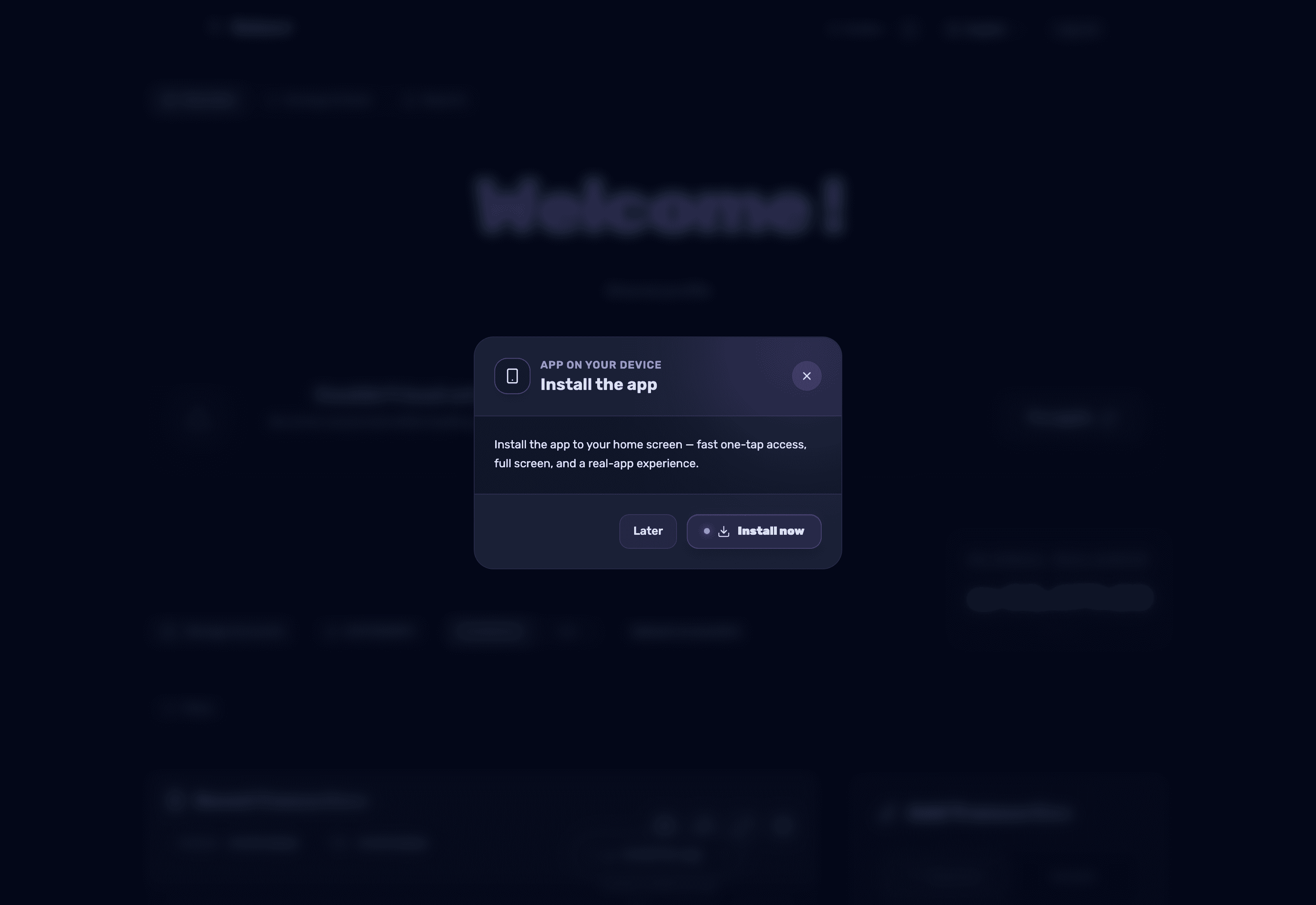
Tap the pill button - a window opens with an "Install Now" button. Tap it and confirm the browser's install prompt; the app is added to your home screen within seconds.
- 3
Installing on iPhone (Safari)
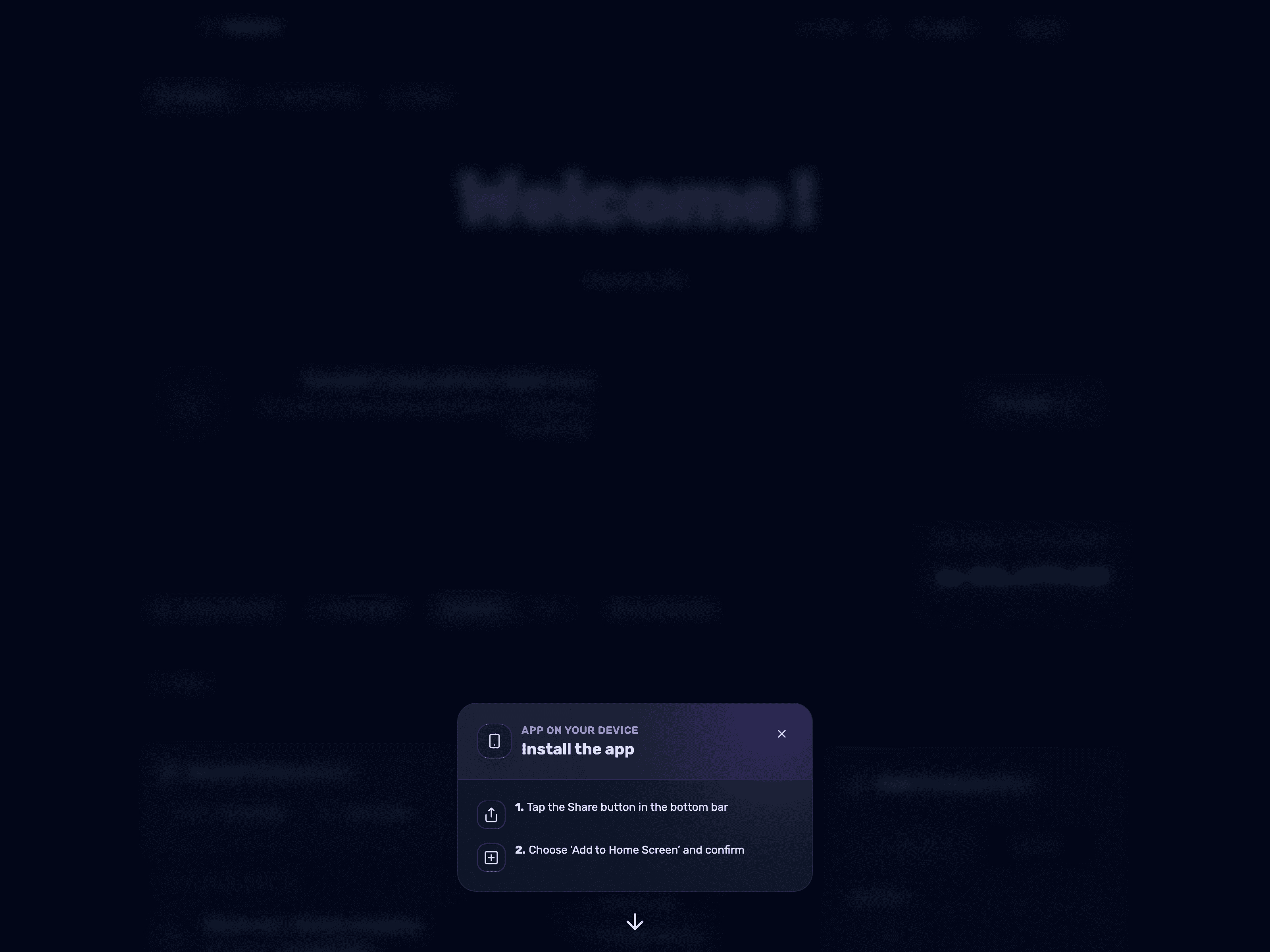
On iPhone, you must open Balansi in Safari (not Chrome). Tap the pill button, then tap the Share button in Safari's bottom toolbar, choose "Add to Home Screen," and confirm.
- 4
Accidentally closed the floating button?
If you tapped the X and closed the pill without installing, it will not reappear in that browser — but you can still install straight from the browser: on Android (Chrome) open the three-dot menu and choose "Install app" or "Add to Home Screen"; on iPhone open the site in Safari, tap the Share button and choose "Add to Home Screen." You can always come back to the guides page to see the instructions again.
- 5
Already installed?
If you've already installed the app but the prompt keeps popping up, tap "I already installed the app" below the pill button - it will stop appearing on this account in any browser you're signed into.