Accessibility and Languages
Balansi is built so anyone can tailor it to their needs: text size, contrast, language, and currency are all a couple of clicks away, no digging through menus required.
- 1
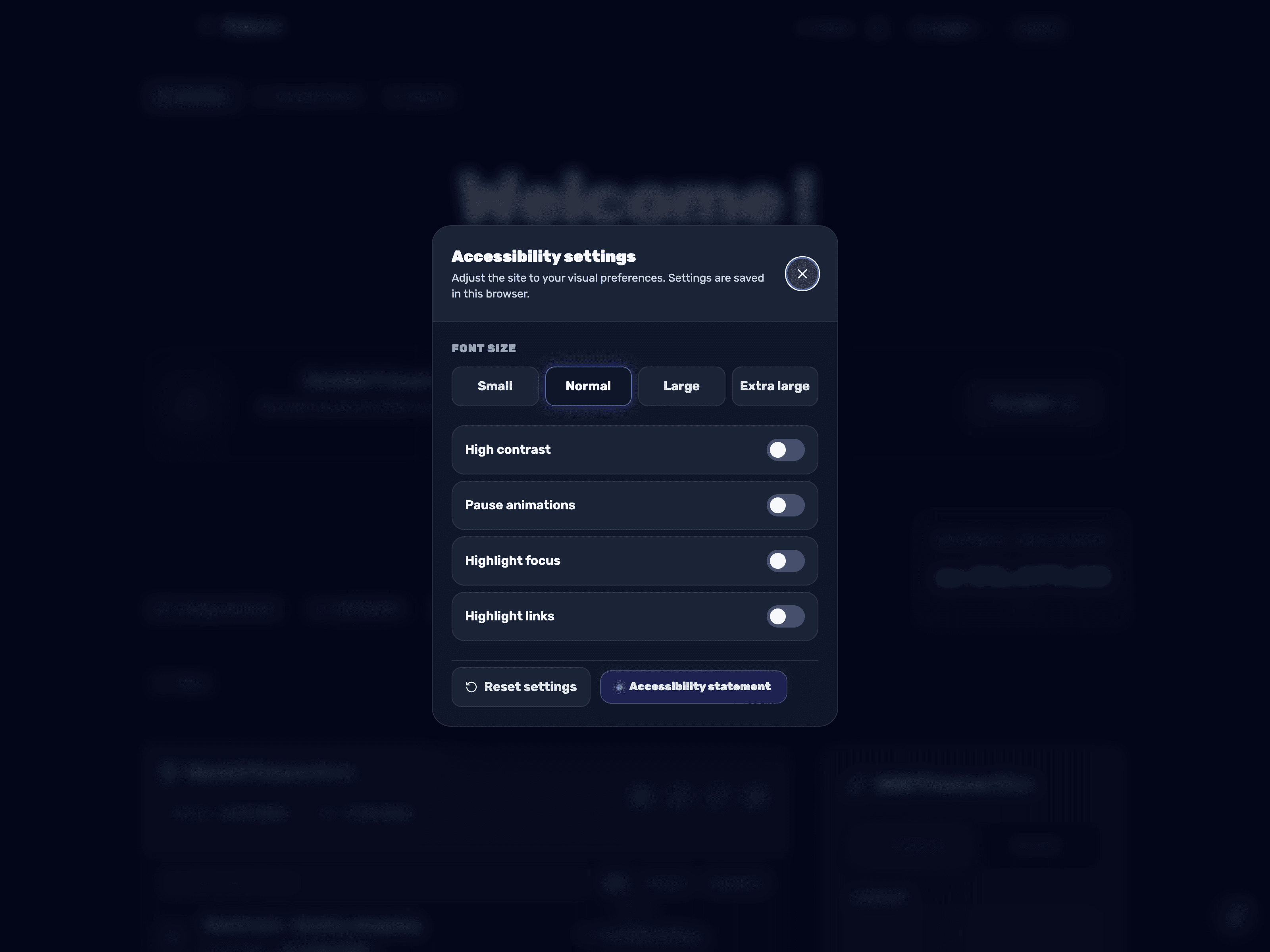
Open the accessibility menu
On every screen you will find a round button with a wheelchair icon fixed in the corner. Click it to open the "Accessibility Settings" panel. You can also open it from the keyboard with Alt+1.
- 2
Adjust font size and contrast
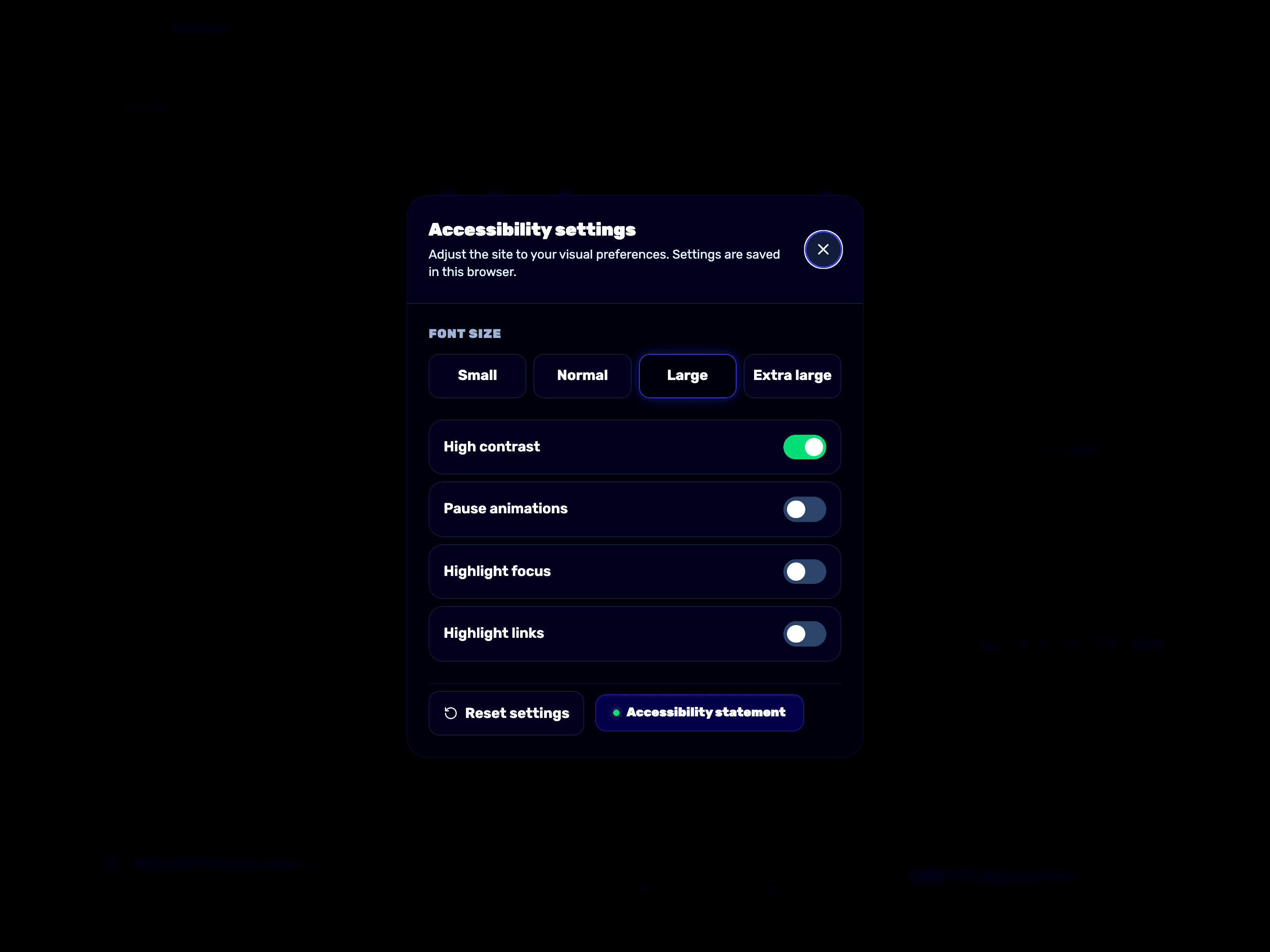
Under "Font Size" choose between small, normal, large, or extra large. You can also turn on "High Contrast" to make colors and text stand out. Changes apply immediately across the whole site.
- 3
Pause animations and highlight navigation
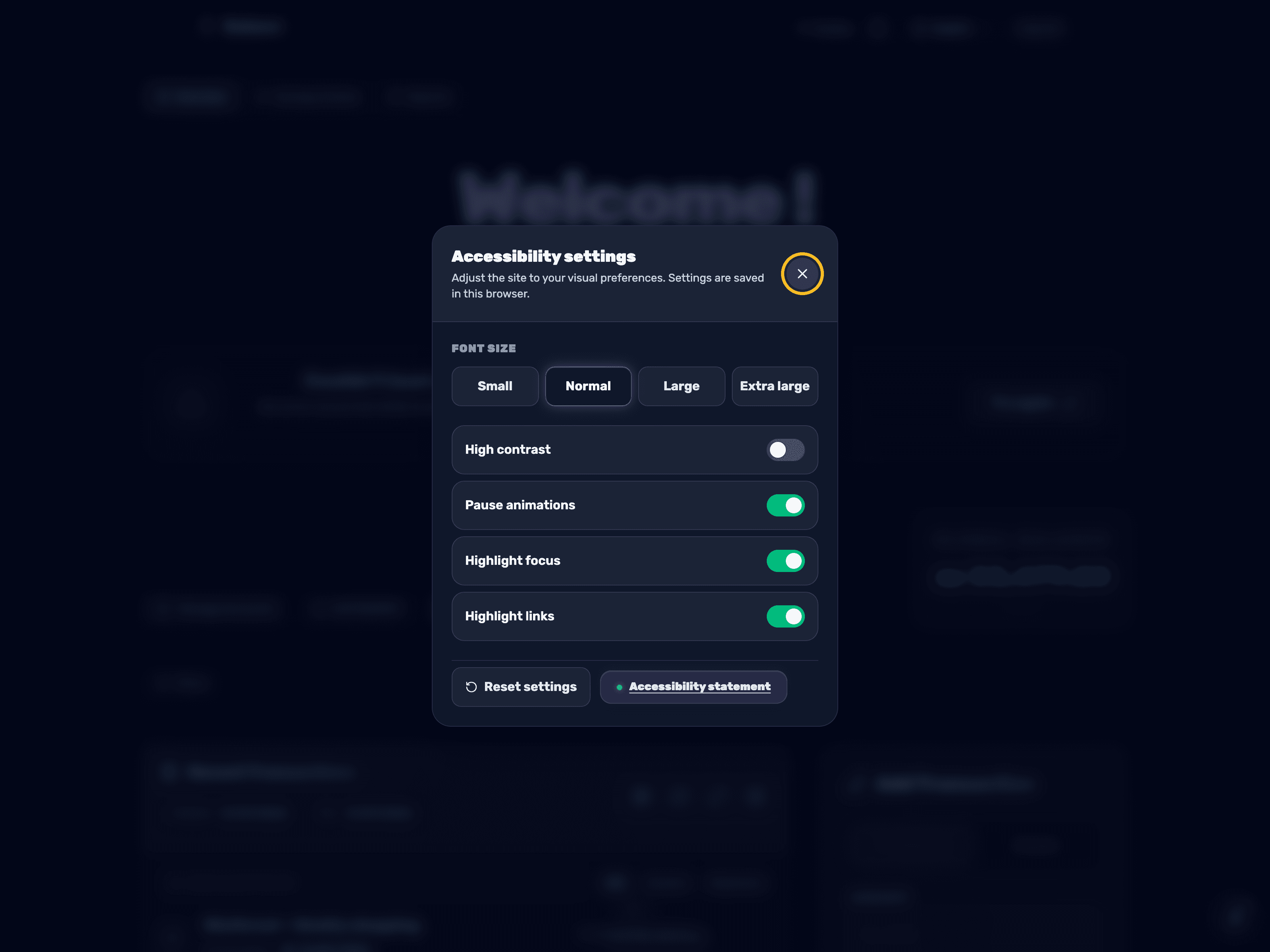
If animations are distracting, turn on "Pause Animations". You can also enable "Highlight Focus" and "Highlight Links" to navigate the app more easily with a keyboard. "Reset Settings" restores everything to default, and all changes are saved only in this browser.
- 4
Switch language
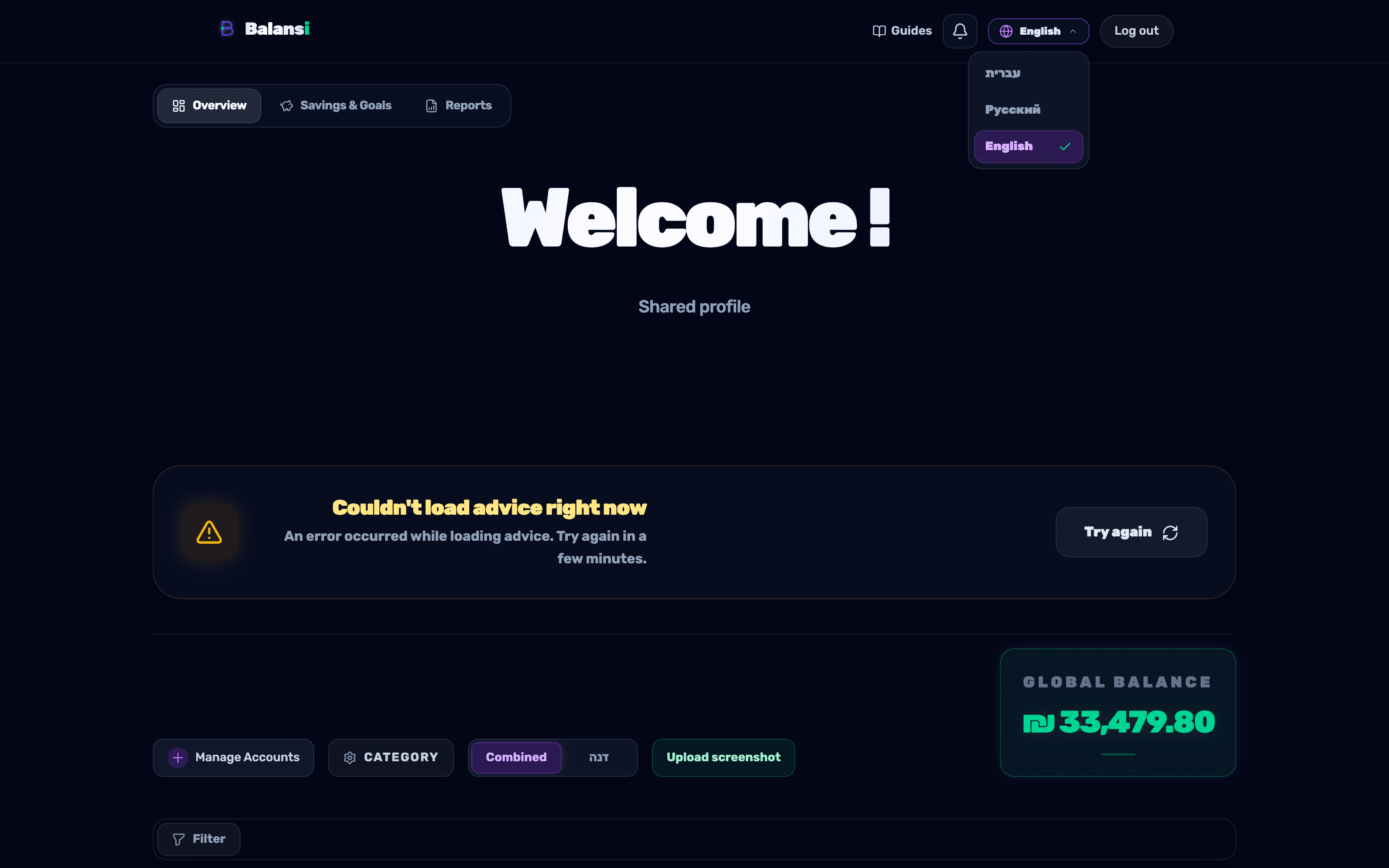
In the top navigation bar, click the language button with the globe icon, which shows the current language's name. From the list that opens, choose עברית, Русский, or English — the whole app, including text direction, updates right away.
- 5
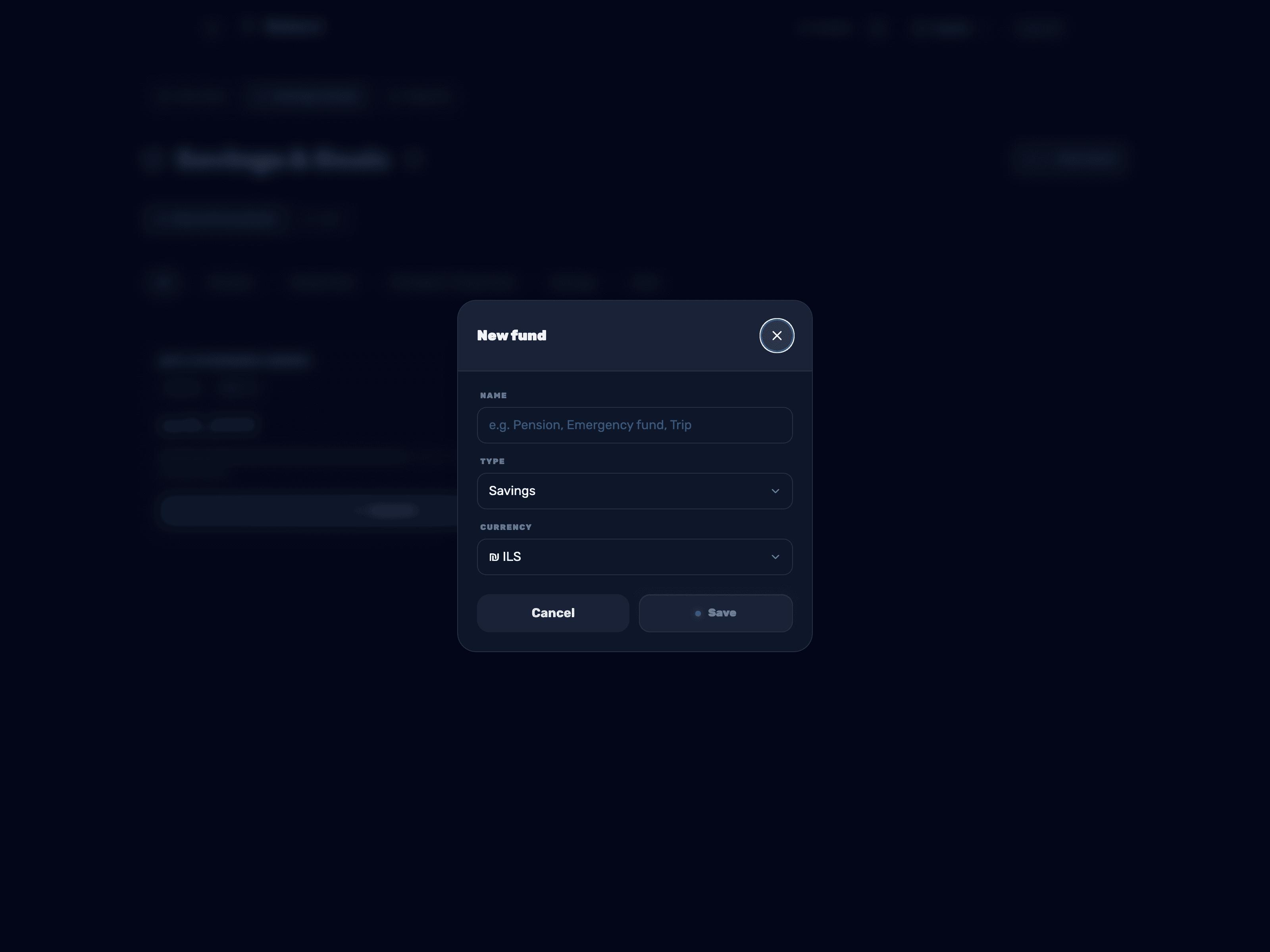
Choose a currency for a savings fund
When you open "Savings and Goals" and create a "New Fund" (or edit an existing one), you will find a "Currency" field. Choose between ₪ (Shekel), $ (Dollar), or € (Euro) — the fund will be displayed and calculated in the currency you choose for it.